
From a photo of your room
to your perfect shutters.
Upload a room photo, explore shutter styles in your actual space, get estimated pricing, and connect with a trusted local installer. All in just a few simple steps.
No signup · Takes about a minute · Free to use
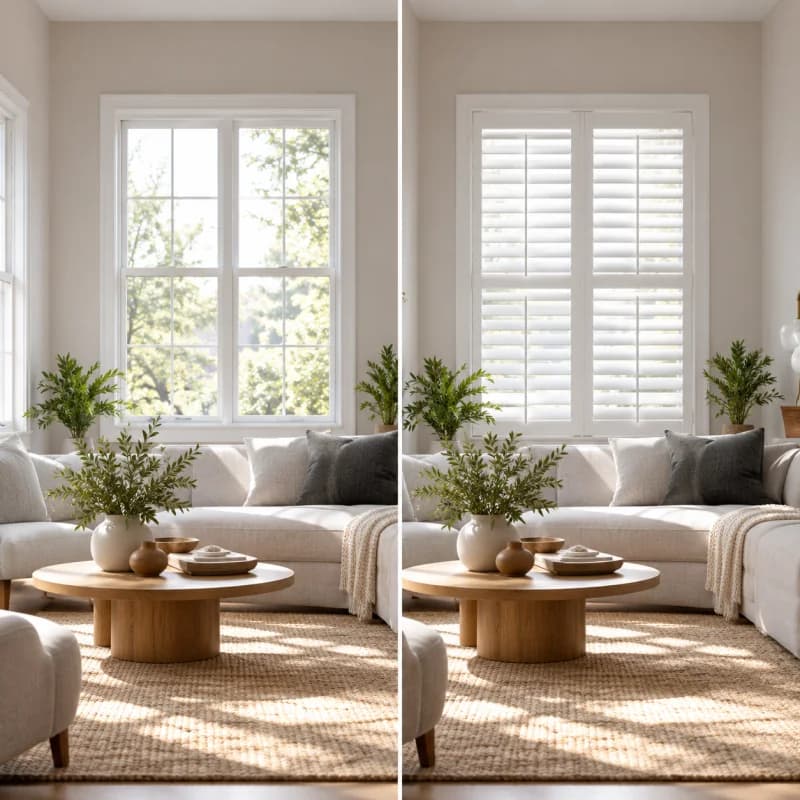
Upload your room
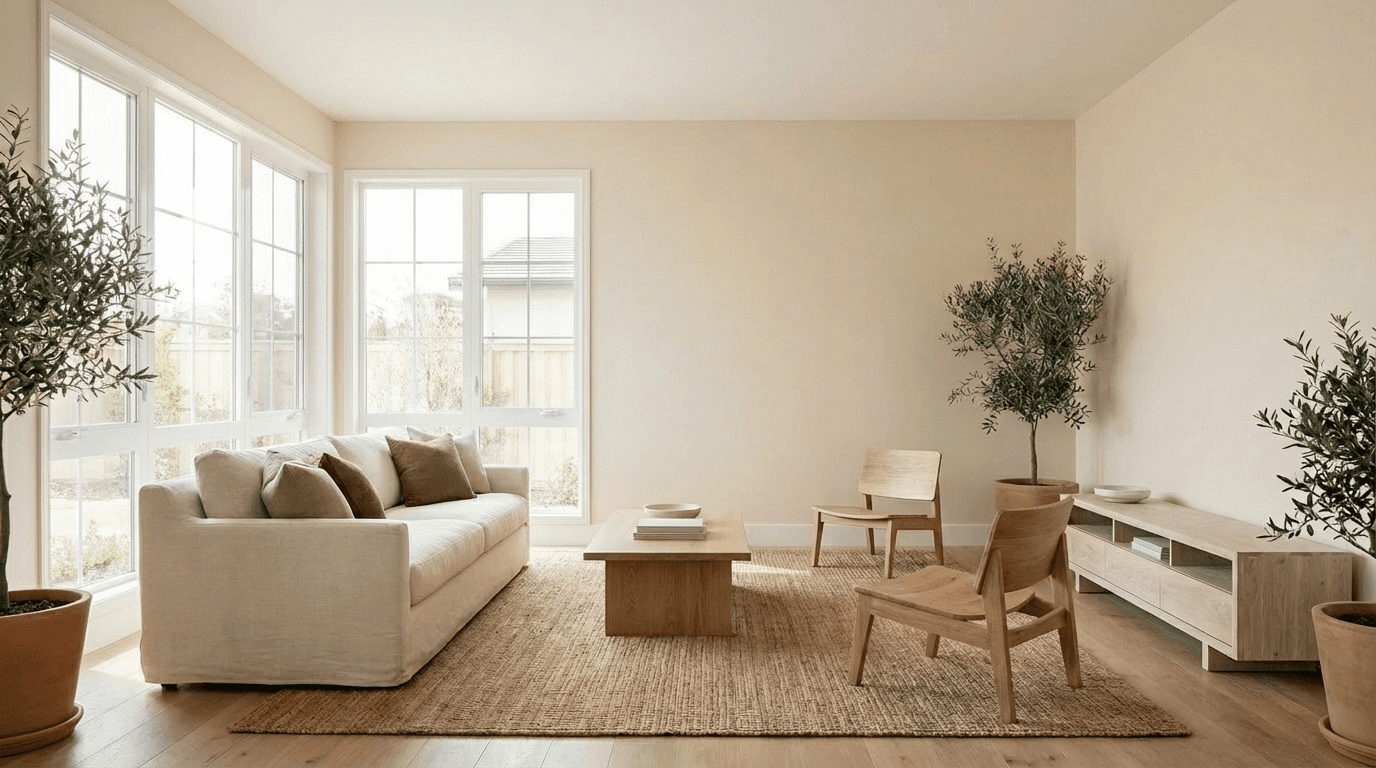
Take a photo of the windows you want to transform. AI Shutters automatically prepares the room for visualization.
- Any room with visible windows
- Phone photos work great
- No special equipment needed
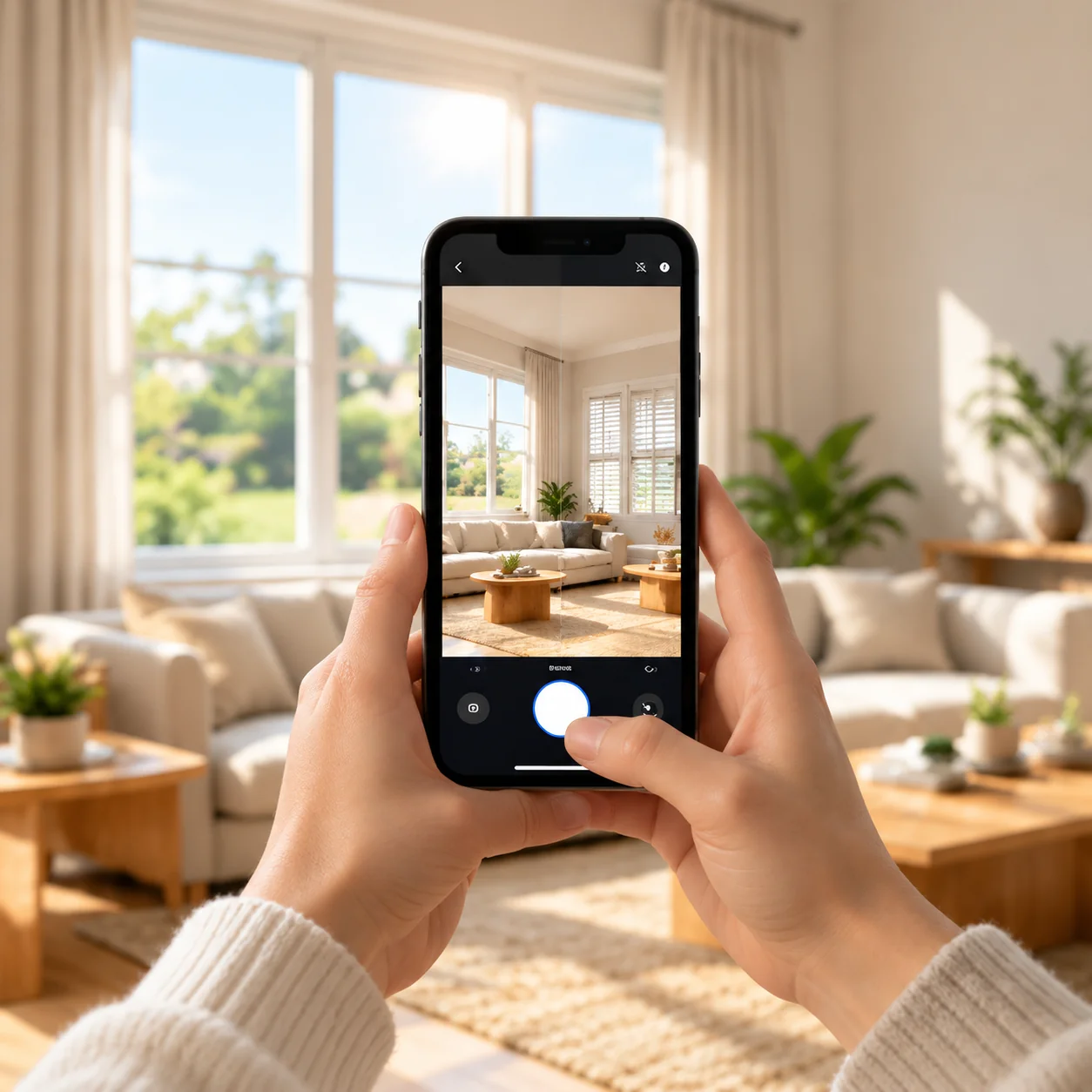
Design your shutters
Explore materials, colors, slat sizes and mounting styles while seeing the changes directly in your room.
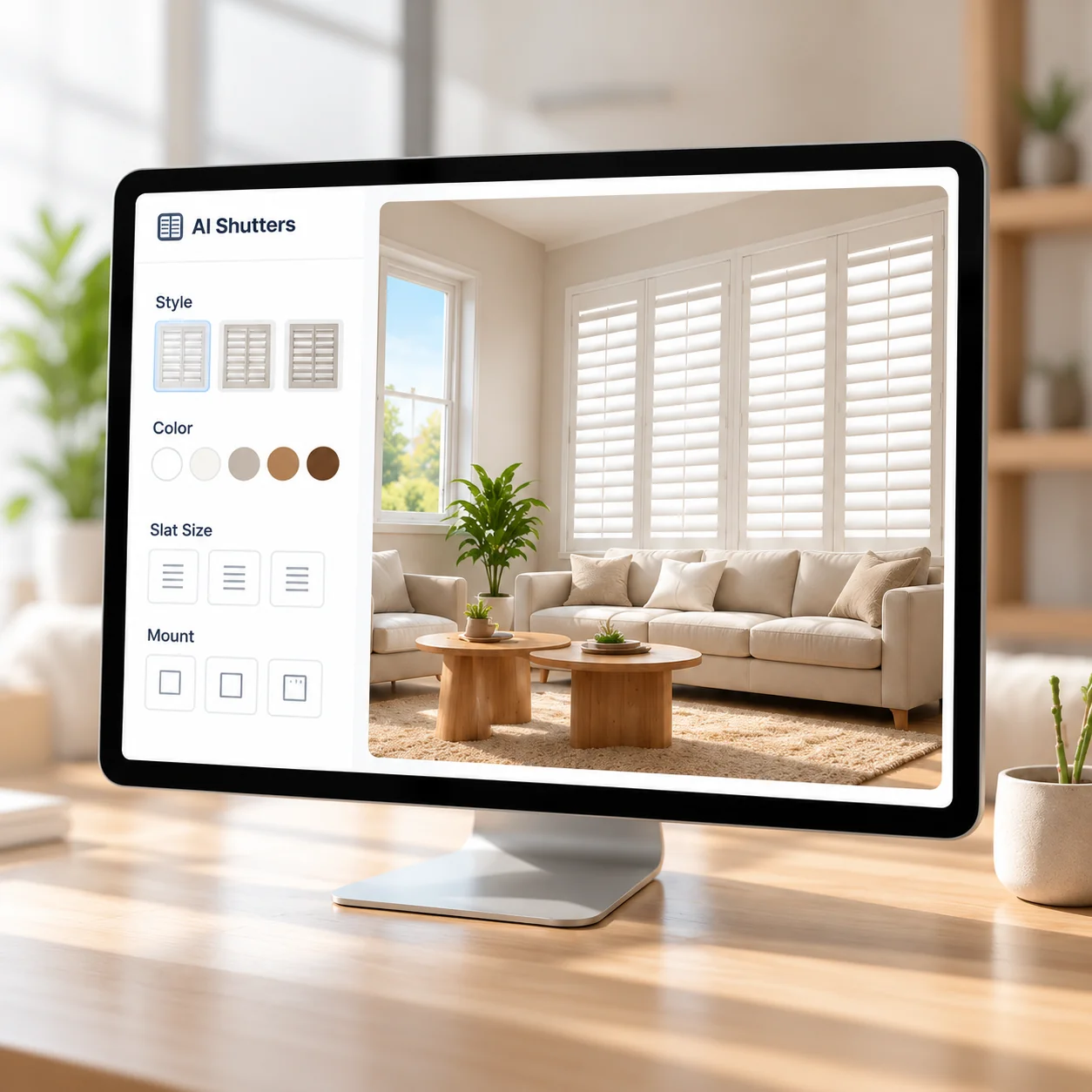
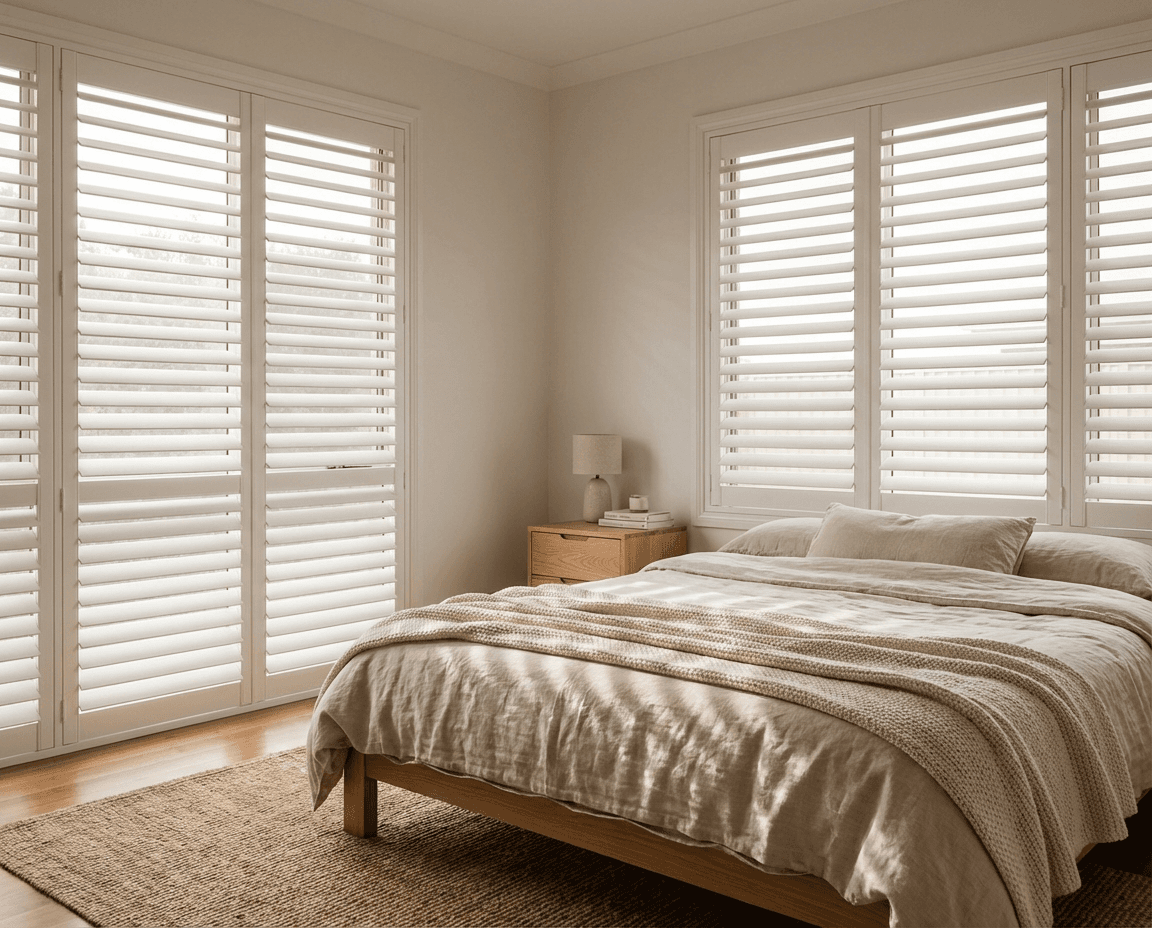
See the transformation
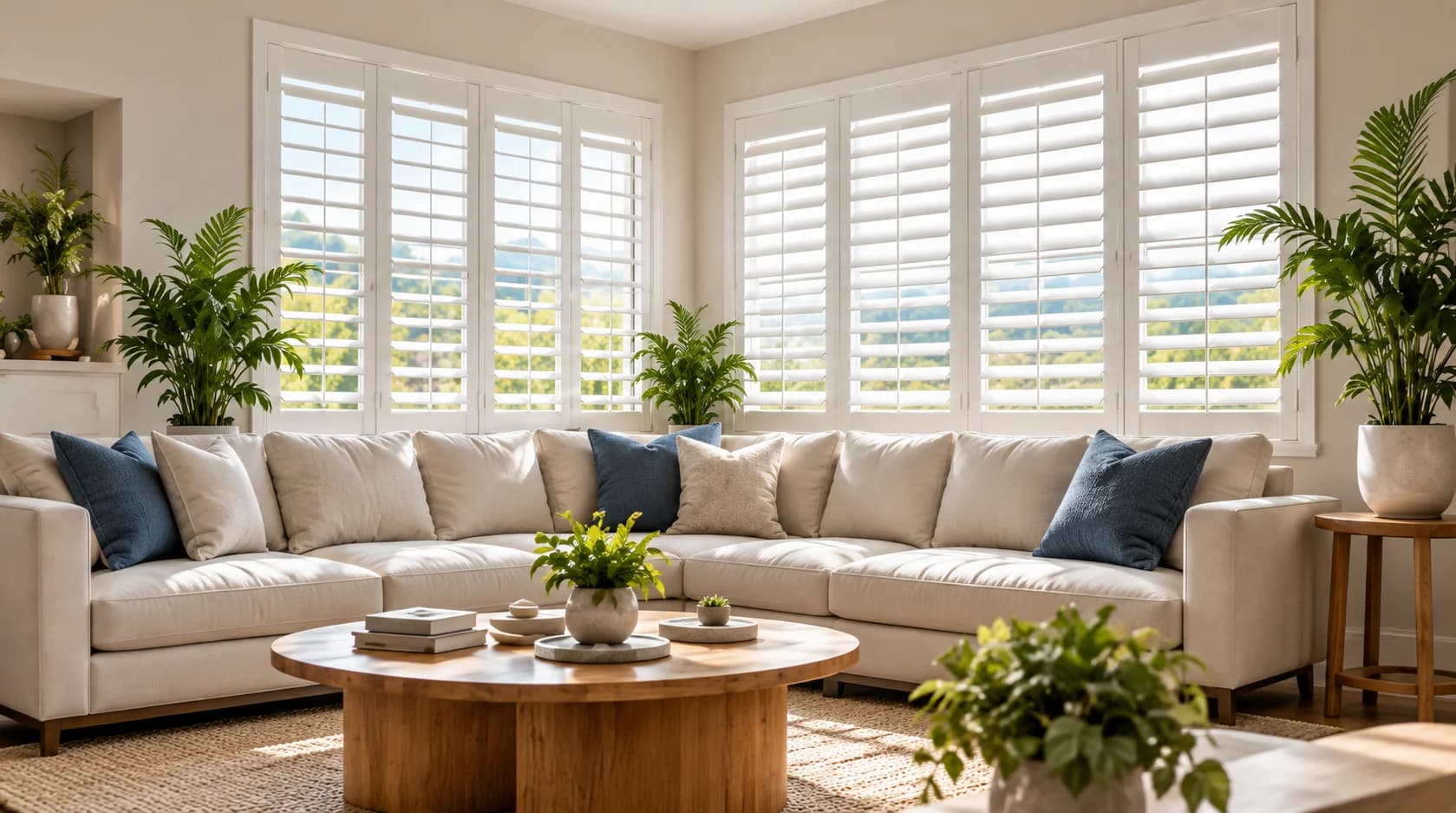
AI Shutters generates a realistic preview in your actual room so you can compare options before deciding. See how different styles look, test colors, and find the perfect fit with confidence.
- Results in about a minute
- Realistic preview of your room
- Compare multiple styles

Get your estimate
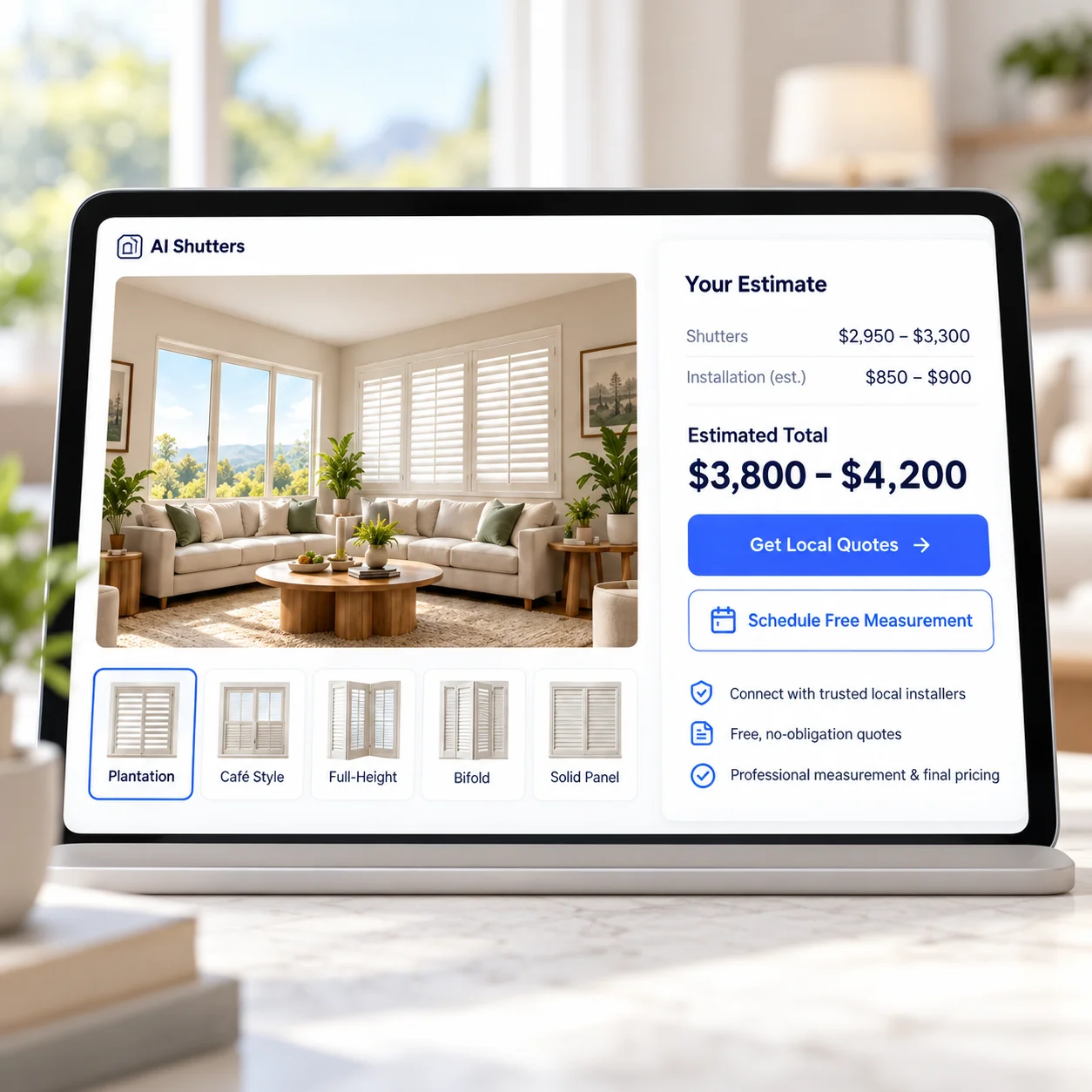
See estimated pricing based on your design, and connect with a trusted local installer for final measurements and a personalized quote.
- Instant estimated pricing
- Connect with trusted local installers
- No obligation, free to get a quote
What happens next?
From visualization to installation, we make it simple.
1. Save your design
Keep your favorite styles and room visualizations.
2. Get matched locally
We connect you with a trusted shutter installer in your area.
3. Professional measurement
A local expert takes final measurements at your home.
4. Final quote & installation
Get a personalized quote and schedule your installation.
Ready to see shutters in your home?
Upload a photo, explore styles, get an estimate, and connect with a trusted local installer — all in just a few simple steps.
Free · No signup · No obligation
Frequently Asked Questions
Everything you need to know about AI Shutters.
Our AI creates realistic previews using your actual room photo. Lighting and colors may vary slightly in real life, but the visualizations are designed to give you a close representation of how different shutters will look in your space.
Any clear photo of a room with visible windows works — a phone photo is perfect. For the best results, shoot in daylight, capture the full window frame and stand roughly straight-on to the window.
Most visualizations are ready in about a minute. Larger photos or busy rooms can take a little longer.
Estimates are based on your window dimensions, the material, mount type and frame style you choose, and your ZIP code. Your installer confirms exact measurements and final pricing during an in-home visit.
Yes. You can explore multiple styles, colors and slat sizes to see what looks best in your room, and compare the results before deciding.
No. You can visualize shutters without sharing any address. To see an estimate we ask for your ZIP code, and when you request a quote your street address is optional.
Your request goes to a local shutter professional serving your area. They'll contact you to confirm the details and schedule a free in-home measurement.
Yes. Visualizing and getting an estimate are free, with no obligation. You only pay if you decide to purchase shutters from your installer.